✏️
The pencil and multi-selection
Note several candidates per cell; long-press then drag to mark every cell you cross in one go.
Pencil marks are saved with the game, go through Undo and travel with the state code.
💡
The light bulb, in three steps
- how many cells can be found right now;
- the rule to use, without saying where;
- the cell and its value.
You choose where to stop. It never lies: if what you wrote makes the grid impossible to finish,
it says so — without naming the faulty cell.
🔦
The torch
Hold a key: every cell carrying that symbol lights up, for as long as you hold. The
“where are all the 7s?” tool — it changes nothing. Five colours to choose from, calibrated to
the same brightness, with colour blindness in mind too.
👁️
The preview, read-only
Off by default — you have to go and enable it in Settings. It shows the whole solution, marks
your wrong cells with a red background and a cross, and disables the entire keypad: you look,
you don't touch. Nothing enters the game.
↩️
Undo, redo, restart
Full history from the very first move, pencil marks and cage operations included. Undo works
even on a finished grid: it becomes playable again, the timer restarts, and the win is
recomputed.
⌨️
A physical keyboard, everywhere
On a computer, or plugged into a phone: digits, letters, arrows,
Space to switch mode, Ctrl+Z,
Ctrl+C / V to copy a
cell. Two-digit numbers are composed, 1 then 2.
📲
From the phone to the big screen, and back
Open
the web version on the
computer. Both ways, two ways to pass a game along: show a QR on one side and scan it on
the other, or copy the code — the grid, or the game in progress with its values and pencil
marks — and paste it across. The same code gives exactly the same grid on both sides,
measured grid by grid.
🗂️
Twenty games, a lock, a note
Up to twenty saved games, in progress or finished, with timer and progress. A lock protects
the ones you don't want to lose; a free-text note — “Léa, Tuesday” — reads without opening
the game.
🖨️
Codes, QR, printing
Copy a code or a whole game, show a QR, print the blank grid, the answer key or the solving
list. The system print dialog also knows “Save as PDF” — without any data going over the
network.
🌙
A recalibrated dark theme
System, light or dark. Dark is not an inversion of the colours: the board washes, the frame
tints and the strokes all have their own values.
🎨
Colour blindness, by type
Deuteranopia, protanopia, tritanopia, achromatopsia — named and described in plain words.
A symbol over the colour in Colodoku, frames on another axis in multidoku, stroke patterns
when no colour is perceived.
📖
The Rules sheet for this grid
Assembled from the options actually in force — Voronoi adjacency, how fractions read, unusual
values — never a generic text. Plus the built-in guide, in twenty-six languages, readable offline.
♟️
Coordinates like a chessboard
Column letters, row numbers, all around the square: you say “D1” and everybody knows where to
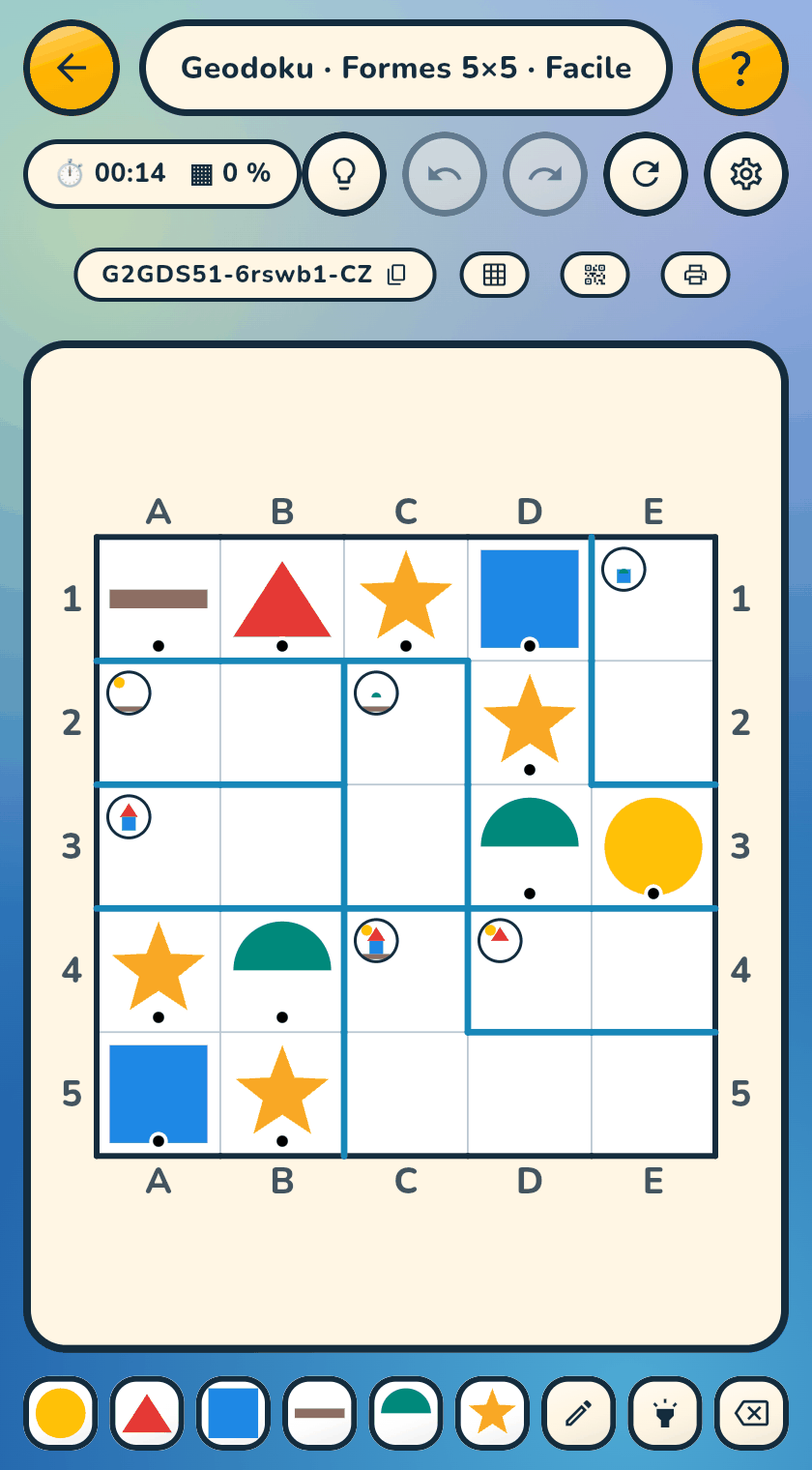
look — on the board, on the printed sheet, and when the light bulb answers you.